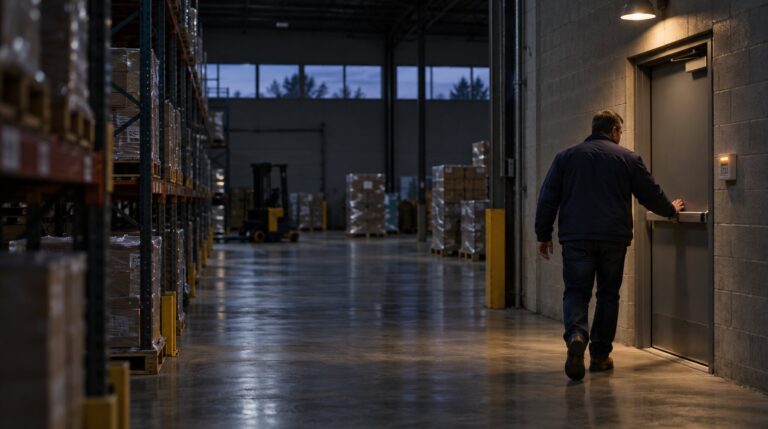
A new wall gives your team the office it needed. A rack makes room for more inventory. Deliveries move to a different door because the original entrance gets crowded.
Each change makes sense on its own. But each can also change what your security system needs to do. The camera still has a picture. The alarm still arms. The card reader still beeps. The question is whether they still fit the building as it works today.
As you look back on this year's changes and plan what's next, start with the places where an old assumption matters most: the door people now use, the room with new equipment, or the receiving area hidden behind a taller rack. You don't need to test everything at once. Choose a change, decide what you need the system to do there, and work out what to check.
Start with the change, not the equipment
Take a current floor plan if you have one. If you don't, a simple sketch is enough to begin. Walk the space with someone who knows how it's used and mark new walls, storage, doors, work areas, and the routes people take. Include planned changes while there's still an opportunity to address them before walls and ceilings are finished.
For every change, write down the question you need answered. “Is camera 4 working?” is a maintenance question. “Can we tell whether the delivery was left at the new receiving door?” is an operational question. You may need both answers, but they are not interchangeable.
| What changed | Question to answer | A useful first check |
|---|---|---|
| A new rack or partition | Can we still see the place that matters? | Review the view and a recording at the relevant time of day. |
| A door has a new job | Can the right people use it, and does it close afterward? | Coordinate a normal-use check with the access administrator. |
| A room is divided or used after hours | Does the intrusion setup still fit the new space and hours? | Review the device and zone plan with the alarm provider. |
| A wall, ceiling, or use is changing | Does the project affect fire alarm or life safety? | Bring the property manager and qualified fire team in before work. |
This is a starting point, not a pass/fail inspection. One finding may call for moving a shelf; another may need a provider's test or a change to the project plan.
A clear picture is not always a useful picture
Suppose the new receiving door is visible in a camera's wide view. You can see someone walk up and put down a box. That may be enough to tell whether a delivery arrived. If the question is who accepted it, the same picture may not have enough detail, particularly if the person is small in the frame or facing away.
Tell your provider what you need to see at the spot where it happens, not simply that you want a clearer camera. Look at an ordinary person or package in that location and review the recording on the screen people actually use. Check at the times that matter: a good daytime picture doesn't tell you what the recording looks like after dark.
A wider view can cover more ground while leaving less detail on a person within it. Lighting, movement, focus, compression, and the screen used to view the recording also affect the result. Camera resolution alone can't promise identification, so judge the picture against the question you need it to answer.
Before moving a camera, look for a simpler obstruction. A shelf or display can block the view; moving it may restore the picture you need. If the receiving door itself has moved, adjusting the camera or adding another view may make sense. Check what happens to the area the camera used to watch before deciding.
If you add cameras or change recording settings, ask your provider how that affects available storage and how far back footage remains available. That keeps a useful new view from coming at the expense of a recording period you still need.
Follow the delivery through the door
The camera is only part of the receiving-door change. The new entrance also has to work for the people using it. A door that used to open occasionally may now need to accommodate deliveries throughout the day. If the door keeps closing before a cart is through, someone may prop it open to make the work possible. The delivery problem is solved, but the controlled opening stays open.
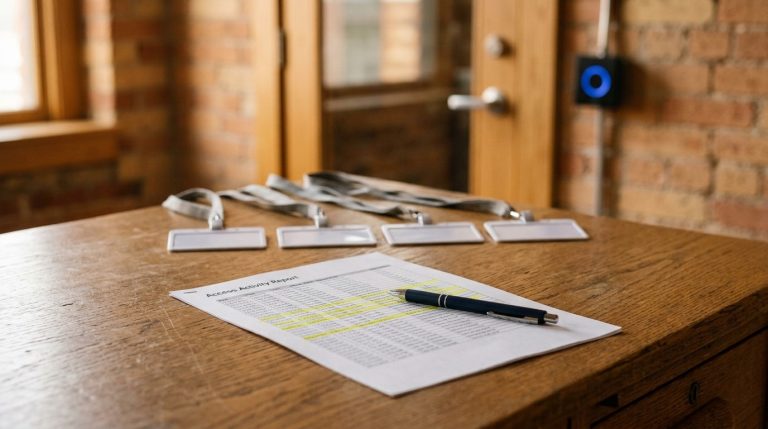
Walk through a normal delivery with an authorized access administrator: how does the person get in, how long does the work take, and does the door close and latch afterward? Check the access record and, if the system provides it, the door's open or closed status. Then decide whether the workflow, the settings, or the hardware need a closer look.
Some doors have a door position sensor, a separate device that reports whether the door is open or closed. Having a reader doesn't mean that sensor or an alert is installed and enabled. Ask your provider what this door reports and who, if anyone, is notified when it stays open. An alert should fit the way the door is actually used, or it may be easy to overlook.
Don't alter exit hardware or prop an exit door to solve a delivery problem. Bring the property manager and qualified door and life-safety professionals into a change that affects the opening. Our holiday door schedule guide covers another part of the picture: making sure the door follows the right schedule when the building is closed.
A new wall can change the alarm's job
Imagine an open work area divided into two rooms. The existing motion detector may still be visible from the original side, but the provider needs to reconsider its intended coverage in the new layout. A door contact may report an opening; a motion detector is intended to detect movement within its coverage; a camera provides a view. They serve different purposes.
Have the alarm provider mark the affected devices and zones on the updated plan. A zone identifies a device or group of devices for system operation and reporting; the setup varies. Review which areas should be protected, how the new rooms are armed, and whether people can work in one area while another is closed.
Coordinate any test with the monitoring provider before activating the system. Agree on the expected result, check what was received, and confirm that the system is returned to normal. Record any unresolved area or device. If someone proposes bypassing a device because of the new workflow, determine what will no longer be monitored, who authorizes the bypass, and when and how it will be restored.
Fire alarm questions belong on the project plan
A new room, changed ceiling, or different use of a space can affect fire alarm and life-safety design. Bring the property manager, design team, and qualified fire alarm contractor in early to determine what the project requires and which local reviews or permits apply.
For example, Sandy Springs' Fire Marshal describes reviewing renovation projects and fire alarm plans. Nearby jurisdictions may handle submissions differently, so the answer must fit the building's location and the work being done.
Also plan for the work itself. If a life-safety system or part of it must be taken out of service, establish who coordinates the outage, who determines the required precautions, and who confirms restoration. Don't cover, disable, or move a detector as an informal solution to construction dust. The responsible professionals must plan the work and any required protection.
Leave the walk with decisions, not just a list
For each affected location, capture the change, the question, what was checked, the result, the person responsible, and a next-action or review date. Note any temporary condition that needs to be reversed.
A hypothetical record might read: “Receiving door moved to east side. Need to see where packages are left. Daytime view checked; shelf blocks the landing. Operations will move the shelf by Friday. Facilities will review a new daytime recording and arrange an after-dark check with the provider by the following Friday.” The after-dark result remains open until that check is complete. Record what the door test showed and any follow-up separately.
Sort the work into three groups: fix a simple obstruction when it can be done safely; schedule a coordinated test or configuration review where the answer is uncertain; and put changes needing design, equipment, or approvals into the project plan and budget. After each change, check the result, close any temporary workaround, and update the drawing or record your team will use next time.
If you would like to discuss what a building change means for cameras, access control, intrusion, or fire alarm systems, contact Verified Security. A sketch and a list of what changed are enough to start the conversation.